
Have you ever imagined how easy it would be to access your favorite games by simply creating an account? Many of you wonder how to create a PlayStation 4 email to take advantage of all the benefits offered by the PlayStation Store, from downloading exclusive games to securely receiving the latest updates. The idea might seem complicated at first glance, but the truth is, the process is easier than you think and only takes a few minutes of your time.
Through clear and easy steps, we'll learn together how to create your own PlayStation Network account and seamlessly link it to your email. This will get you ready to enjoy offers, subscriptions, and the latest additions that make your gaming experience more enjoyable and interactive.
How do I create a PlayStation 4 email account?
How do I create a PlayStation 4 email? To create a new account on the PlayStation Network (PSN), you'll need an email address that hasn't been used for any other account. Gmail is recommended due to its ease of use and high level of security.
To quickly create a new email account: Open the Gmail app, select “Add account,” then “Create account” for personal use. Enter your name, date of birth, and a strong password that is easy to remember but difficult to guess. Remember to keep your login details in a safe place for later use when creating your PlayStation 4 account.
How do I create an account on the device?
- Turn on your PS4 and press and hold the PS button on the controller.
- Choose New User > Create User.
- They agreed to the terms and then clicked Next.
- On the PlayStation Network screen, they selected to create an account.
- Enter the country (e.g., Türkiye or Saudi Arabia depending on your preferred market), language, and date of birth.
- Fill in the boxes for the city, region and the correct postal code. You can search on Google for the appropriate code such as “Istanbul postal code” or “Riyadh postal code”.
- Enter the email address you previously created and a new, strong password.
- Choose the user ID name to use for logging in, and make sure it is available.
- Adjust your preferred settings such as privacy or sharing according to your preferences, then accept the terms.
What are the most important data requirements?
During registration, a crucial step in explaining how to create a PlayStation 4 email account, you'll need to accurately enter some basic information, such as your name, date of birth, country, and postal code. This information is used to personalize the store content and services available to you on the PlayStation Network based on your region. Your email address and password are essential to your account, so be sure to choose a strong, unique password that's different from the passwords you use for your other accounts to keep your account secure.
How do I activate my account?
- After completing registration, a verification message will be sent to the email address you entered.
- Open the message and click on the verification link to confirm the account.
- Go back to your PS4 and complete the activation process.
- After that you can log in to the PlayStation Store, download games, and try out PS Plus services.
Keep your email, password, date of birth, and postal code in a safe place. This information is essential for recovering your account later if you need it.
Why is it important to choose the region based on the calculation?
When considering how to create a PlayStation 4 email account, it's important to understand that selecting your region when creating your account isn't just a formality. It's a crucial factor that directly impacts your user experience and the benefits you can enjoy on the platform. Each region has its own store with different offers, prices, and currencies. Furthermore, PlayStation Plus gift cards and subscriptions are specific to a particular region and only work on accounts corresponding to that region. Therefore, if you're looking for a PlayStation 4 email account to use Turkish or Saudi Arabian gift cards, for example, it's essential to ensure that the region you select when creating your account exactly matches the country of those cards to avoid any future issues with gift cards or subscriptions.
Compatibility between region and card type is what ensures successful activation and access to relevant local content, whether it's games, subscriptions, or seasonal offers. Ignoring this step could lead to the disruption of many services later on.
Why choose Türkiye or Saudi Arabia?
Choosing a region like Turkey allows you to easily activate cards like the "4000 Turkish Lira" option, as it only works with Turkish accounts. Meanwhile, a Saudi or Emirati account lets you enjoy local offers and services tailored to that region, with easy local payment input. In short, your chosen region determines the types of offers you'll receive and how you interact with the store.
What are the problems with the wrong area?
Using a region that doesn't match your cards or payment method will lead to frustrating problems, such as error messages, failure to activate digital cards, or the inability to access certain services. You might even find yourself having to create a completely new account just to ensure compatibility with your purchased cards. Therefore, choosing the right region from the start will save you time and effort later on.
How to transfer and protect the account?
When searching for how to create a PlayStation 4 email account, it's important to know that the same account plays a crucial role in facilitating data transfer between devices. To easily transfer your data from your PlayStation 4 to your PlayStation 5, you can rely on cloud storage through a PlayStation Plus subscription. All you need to do is upload your save files and data from your PS4 to the cloud using the same account you created when learning how to create a PlayStation 4 email account, then log in with the same account on your PS5 to download the data directly. This way, your saved data is transferred automatically without the need for external storage or complicated steps, ensuring your gaming experience continues from where you left off.
What are the methods for protecting the account?
To ensure the security of your account and prevent loss of access, please follow these steps:
- Use a strong password that contains symbols, uppercase and lowercase letters to reduce the likelihood of it being hacked.
- Do not share your password with anyone, even if they are close to you, as the account is linked to your personal data and purchases.
- Enable two-step verification (2FA) to add an extra layer of security when logging in from any new device.
- Add a trusted mobile number to easily recover your account if you forget your password or lose access to it.
- When you change your email address, you will be logged out of all devices, and a confirmation notification will be sent to your old email address, so please make sure you complete the process carefully.
- On the PS5, you can set a special passcode during registration to better secure access to your account.
Can the same account be used on PS5?
Yes, you can sign in to the same account you used on your PS4 using the same email and password on your PS5. You'll enjoy all the benefits of PlayStation Plus and previous content without needing to create a new account, making the transition to the latest console a seamless and convenient experience.
What are the best PlayStation products?
TechCard offers a wide range of PlayStation digital cards and original subscriptions in a secure and easy way, allowing you to top up your balance or renew your subscriptions effortlessly. Prices are competitive, delivery is instant electronic, and customer service is available 24/7 to support you every step of the way. In the gaming platforms section, you'll find the following:
PlayStation 5 Plus 3-month subscription
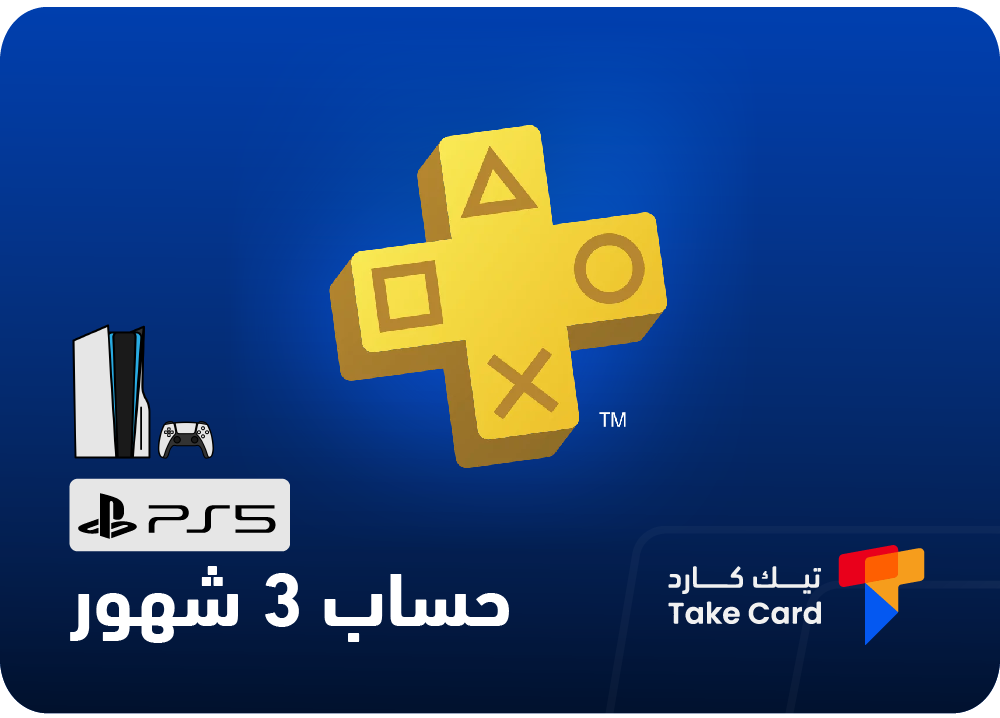
A 3-month PlayStation Plus subscription for the PS5 gives you a complete gaming experience that includes online multiplayer and free monthly game downloads from Sony.
The subscription period is between 80 and 90 days, and the account will be delivered to you activated and ready immediately after purchase. Please note that it is linked to the Turkish store and does not work on PS4 consoles.
PlayStation card 4000 Turkish Lira
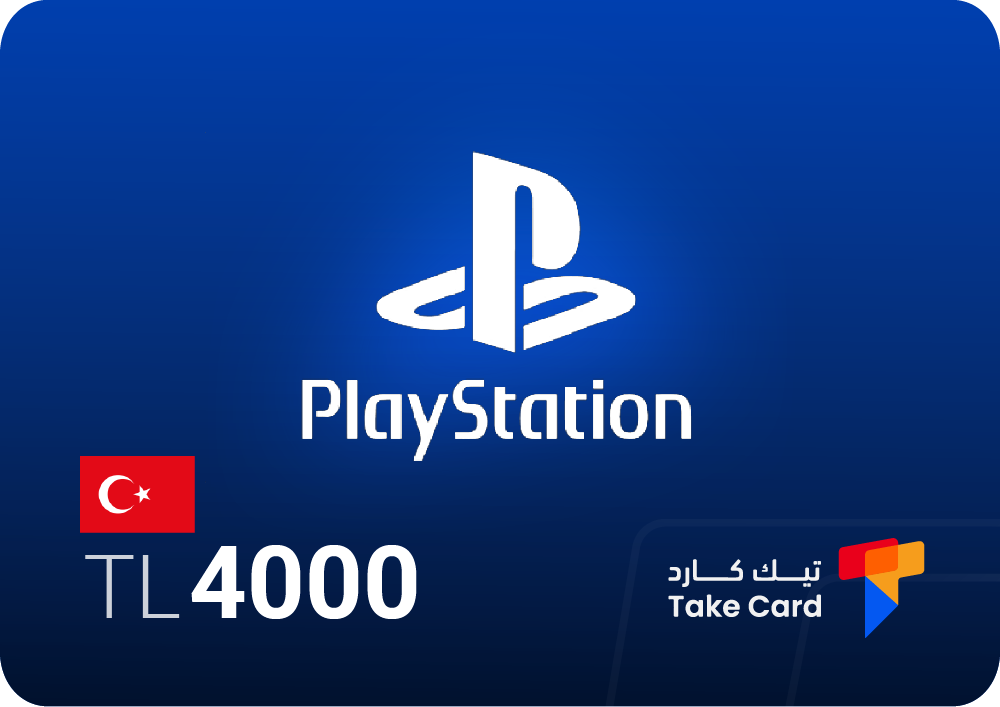
If you have a Turkish PSN account, a PlayStation card worth 4000 Turkish Lira is the ideal option to top up your account and buy games or subscriptions from the Turkish store.
Please make sure that the account being charged is registered in the Turkish store, as the card cannot be activated on accounts from other regions.
Regular Plus subscription: 1 month – 3 months – 1 year

A regular Plus subscription (1 month, 3 months, or 1 year) allows you to take full advantage of PlayStation Plus features such as free monthly games, exclusive discounts, and multiplayer gaming.
The store offers it for different durations to suit your needs: one month, three months, or a full year. Upon receiving the account, it is recommended to update your email address and add your mobile number for enhanced security.
Frequently asked questions about how to create a PlayStation 4 email account
How to create an email account on PlayStation?
To create an email account on PlayStation, you can easily do so through a web browser or the PlayStation app. Go to the Account Management section, then select Create a new account. Next, enter the required information such as your name, date of birth, password, and privacy preferences.
Once completed, you will receive an email confirmation message from Sony containing a verification link. Open it to activate the new account.
How do I register for PlayStation 4?
To register a new PlayStation 4 account, go to one of Sony's services and sign in using your credentials. Then, follow the on-screen instructions to update your account information and complete the setup.
When finished, log in to your PlayStation 4 using the same account details to successfully complete the registration process.
How to activate a PlayStation 4 account?
To activate your PlayStation 4 account, go to the console's settings menu, then to Account Management, and then select Activate PlayStation 4 as Primary. Finally, select Activate to complete the process.
In this way, the account is linked to the device to be the primary device for storing games and data and managing subscriptions.
Read also: How to charge a PlayStation 4